


Density Meter
Density meters or densitometers are precision instruments used to measure the density of liquids and solids. They offer high accuracy and precision, making them essential tools for quality control, research, and analysis in various industries. Drawell’s densitometers are widely used in pharmaceuticals, chemicals, food and beverage, and petroleum to measure the concentration of solutions, determine the purity of substances, and ensure product quality.
Features of Density Meter
- Automatic integration to realize the function of one-key measurement.
- Built-in Parpaste temperature control, improves accuracy and stability.
- Avoid bubbles in HD video.
- Data can be printed directly through the printer.
- Compliance with 21CFR Part 11, audit trail, pharmacopeia and electronic signature.
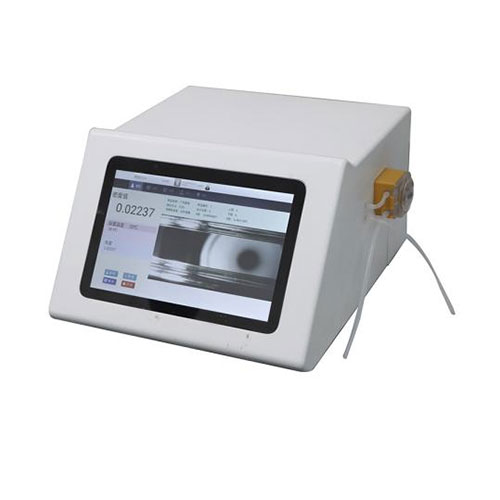
DRAWELL’s Density Meter Products
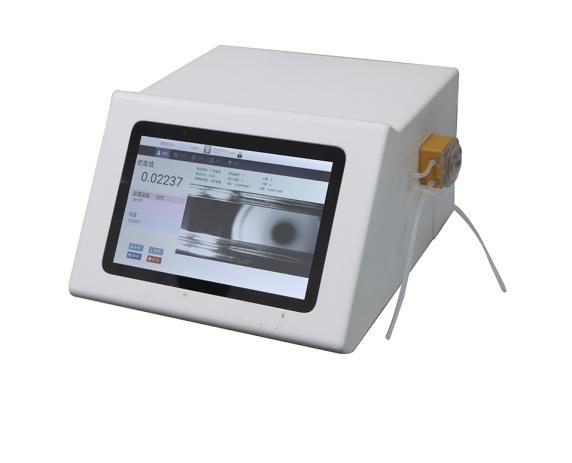
DigiPol-D Density Meter
• Measuring range: 0 g/cm³– 3 g/cm³
• Repeatability: ±0.0001/±0.00005 g/cm³
• Accuracy: ±0.0003/±0.00008 g/cm³
• Repeatability: ±0.0001/±0.00005 g/cm³
• Accuracy: ±0.0003/±0.00008 g/cm³
Applications of Density Meter


- Pharmaceuticals. Quality control of APIs, intermediates, and drug formulations.
- Flavors & Fragrances. Verification of food, daily-use, and tobacco flavor raw materials.
- Petrochemicals. Crude oil API index; gasoline & diesel density; additive ratio monitoring.
- Beverages. Sugar and alcohol measurement; beer & soft drink quality control.
- Food Processing. QC for juices, HFCS, vegetable oils, and processed drinks.
- Brewing Industry. Alcohol content testing for liquor, rice wine, beer, and fruit wine.
- Chemicals. Concentration testing of urea, detergents, glycol, acids, alkalis, ammonia.
- Machinery Manufacturing. Density checks for metalworking fluids, automotive agents, and cleaners.
- Inspection & Testing Agencies. Density measurements for standard labs, official institutions, and third-party bodies.
How to Choose the Density Meter Model?
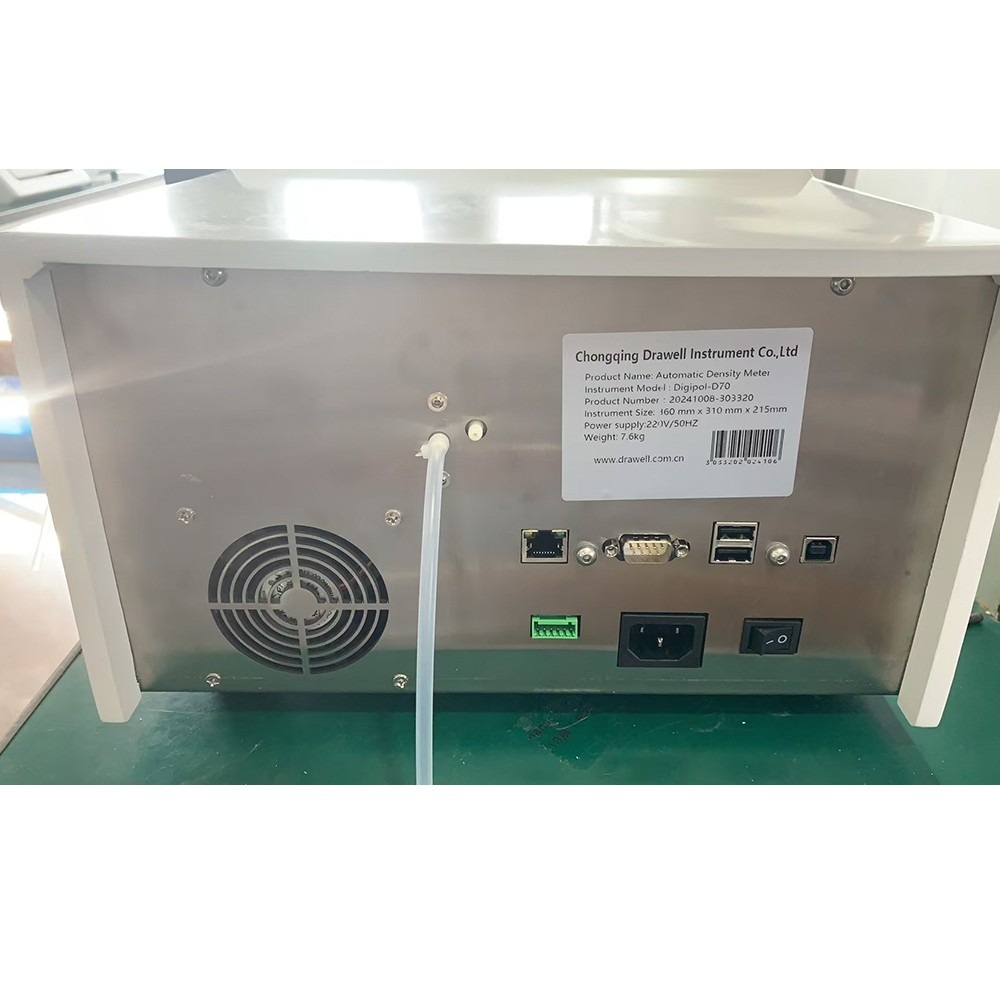
DigiPol-D Density Meter Display
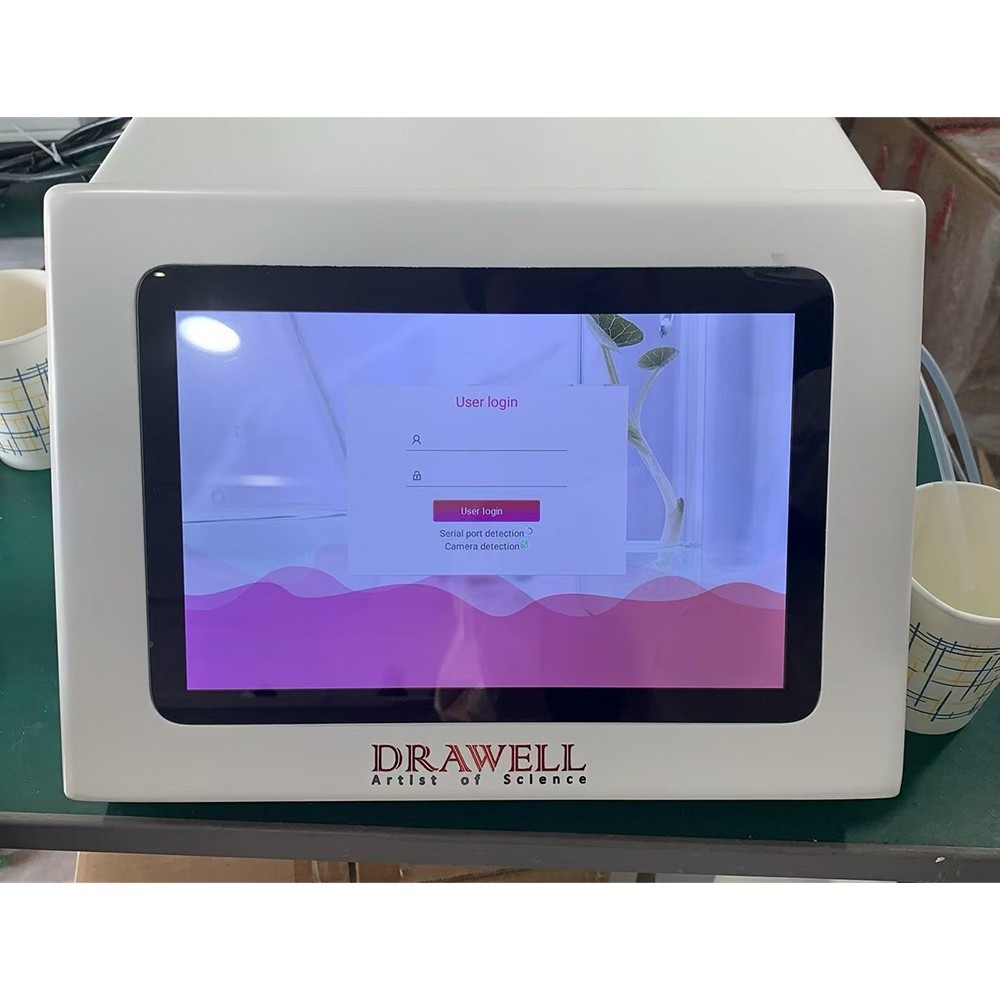
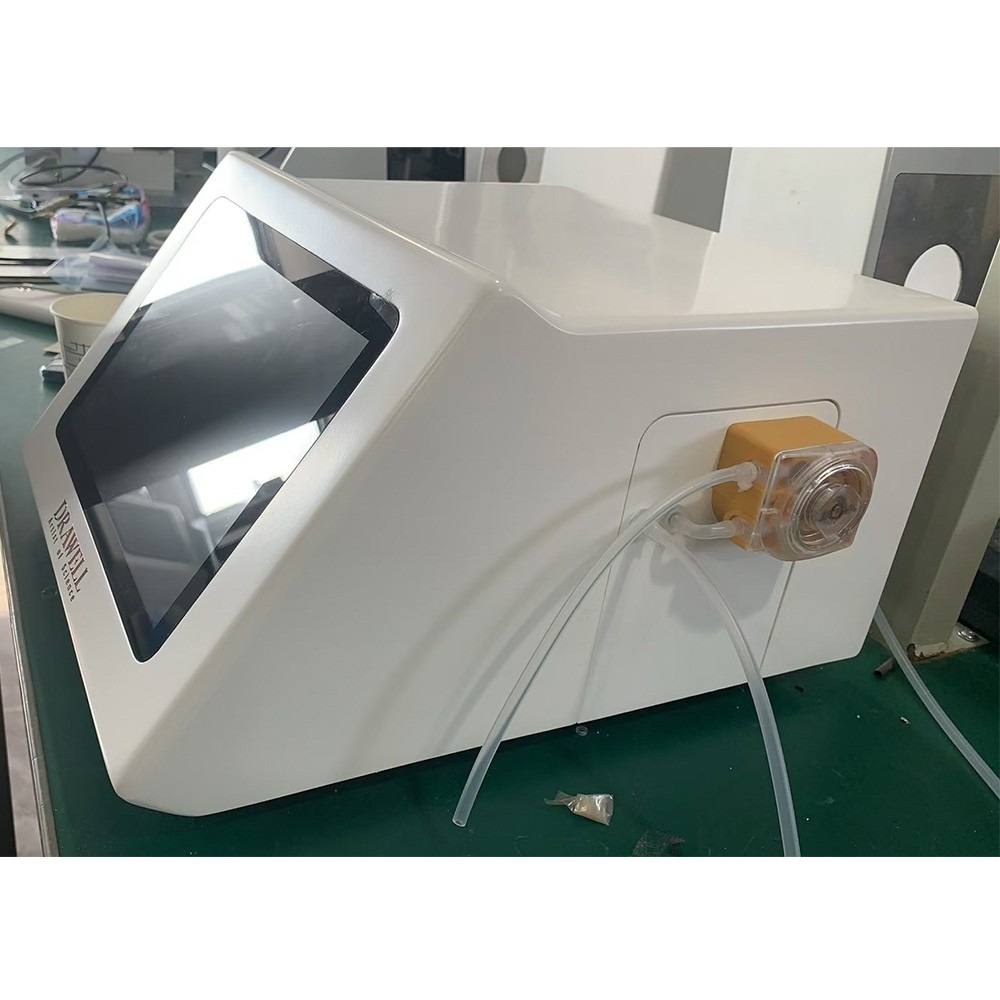

How to Operate the Density Meter / Densitometer?
Automatic Test

- [Temperature]: indicates the current sample temperature in the Type U tube;
- [Density value]: indicates the sample density value after temperature.
- [Sample intake]: The instrument automatically enters the samples, automatically controls the temperature, and automatically conducts accurate test, that is, the test begins;
- [Abandup experiment]: Click this button will abandon this experiment.
- [Save]: Click this button and the instrument will save the test results;
- [Print]: Click this button and the instrument will print this data.
Database Interface

- [Print]: Select the corresponding data, press the print button, select the print way to print the data (can serial print, WiFi print list, WiFi print details);
- [When exporting the U disk on the PDF]: connection, generate the selected test data for a PDF report and export to the U disk;
- [When exporting the U disk on the CSV]: connection, generate the selected test data for a CSV report and export to the U disk;
- [Retrieval]: pop up the filter condition filling window for users to find out the qualified test data (all the data is displayed by default. If you want to display all the data again, please expand the retrieval conditions);
- [Delete]: With the data delete permission, you can delete the data;
- [Cloud Backup]: Upload all test data to the server;
- [←]: Turn the page up;
- [→]: Turn down to the page.
Density Calibration

- At the settings interface, select the [Single Point Correction] option.
- After the equal temperature stabilizes to 20.0℃, enter 0.9982 and complete the single point calibration as saving.
Method Library Interface

- At the setup interface, select the [Experimental Methods] option.
- The parameters that can be set here are the same as those on the test page. The saved method can be called by the method drop-down box selection under the parameter settings page of the test page.
How to Maintain a Density Meter / Densitometer?
- Regularly clean the measuring cell with a suitable solvent, such as ethanol, pure water, or alcohol. For optical components, use a soft-bristled brush to remove dust.
- Avoid measuring highly corrosive or easily solidifying samples to prevent contamination. If measurement is necessary, clean thoroughly immediately.
- Keep the equipment dry and clean, and avoid storing calibration cards in direct sunlight.
- Place the equipment on a stable, vibration-free surface to prevent shock.
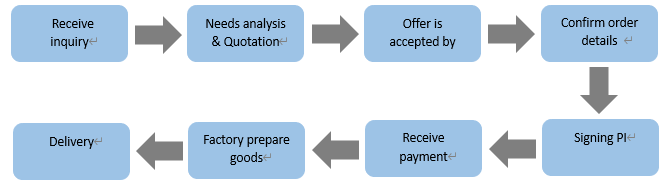
Order Process of the Density Meter
Why Choose Us for Density Meter?
- Rich categories.
- The products are market-oriented and exported to many countries in the world.
- Perfect sales system, efficient and fast after-sales service.
- On-time delivery rate reaches 100%.
- High-cost performance.